About myPill-Pal
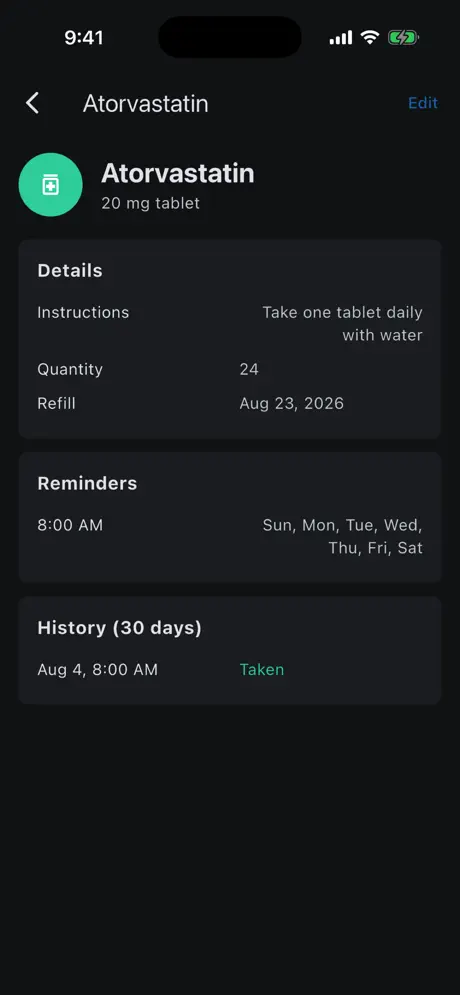
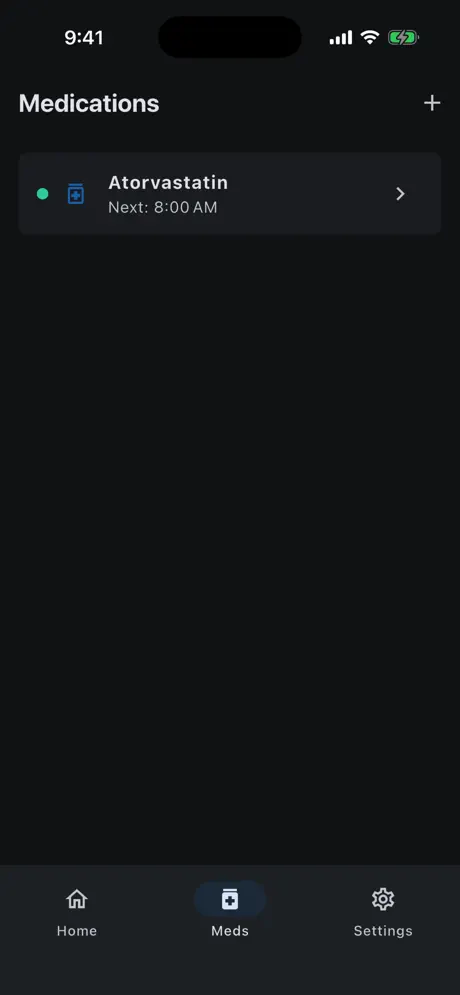
myPill-Pal makes medication routines easier to keep up with. Add your medications, choose when you want to be reminded, and mark each dose as taken with one tap.
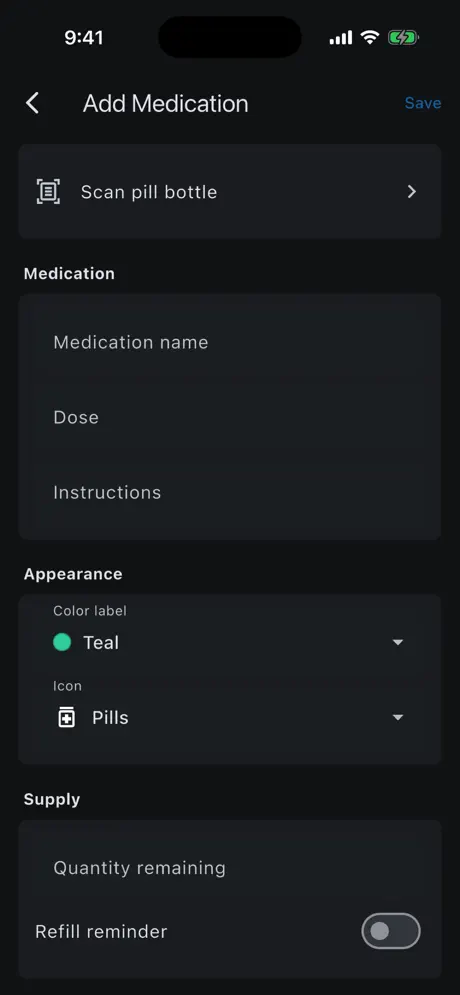
Instead of typing everything in, scan the label on a pill bottle and let the built-in scanner fill in the details for you to review. Keep dose instructions, quantity remaining and refill dates together in one place.
Features
- Scan a pill bottleBuilt-in text recognition captures medication details from the label.
- Flexible remindersChoose reminder times and the days of the week for each medication.
- Today at a glanceSee the day's scheduled doses and mark them taken with one tap, building a streak as you go.
- Refill trackingRecord quantity remaining and refill dates, with an optional refill reminder.
- Easy to recognizeColor labels and icons for each medication, in light or dark mode, on iPhone or iPad.
Who it's for
Anyone managing daily medications or supplements, and people helping a family member stay on schedule.
myPill-Pal FAQ & support
No. myPill-Pal is a personal reminder tool only. It does not provide medical advice, diagnosis or treatment. Always follow the directions from your doctor or pharmacist.
Tap Scan pill bottle when adding a medication and point your camera at the label. The app reads the text and fills in the fields, which you can review and correct before saving.
Make sure notifications are allowed for myPill-Pal in iOS Settings and that each medication has reminder times and days set. Focus modes can silence notifications.
Yes, it's free to download on the App Store for iPhone and iPad.
Purchases are handled by Apple. Go to reportaproblem.apple.com or your Apple ID purchase history, find the purchase and choose Report a Problem.
Still need help?
Email support@jimmyfatmasterson.com and include your device model, iOS version and what happened. We usually reply within 24–48 hours. See our Privacy Policy and Terms of Service.
 Vertical Indicator
 Routine Hub
 PlaneAboveMe
 Push-Ups: Form & Rep Tracker
 Segmented Timer
 Penguin Poop
 CarInsight
 TrackSets
 Prompt Meter
 SnapNSplit