About Push-Ups: Form & Rep Tracker
Push-Ups: Form & Rep Tracker uses your iPhone's camera to count every push-up for you and rate your form as you go, so you can focus on the set instead of the number.
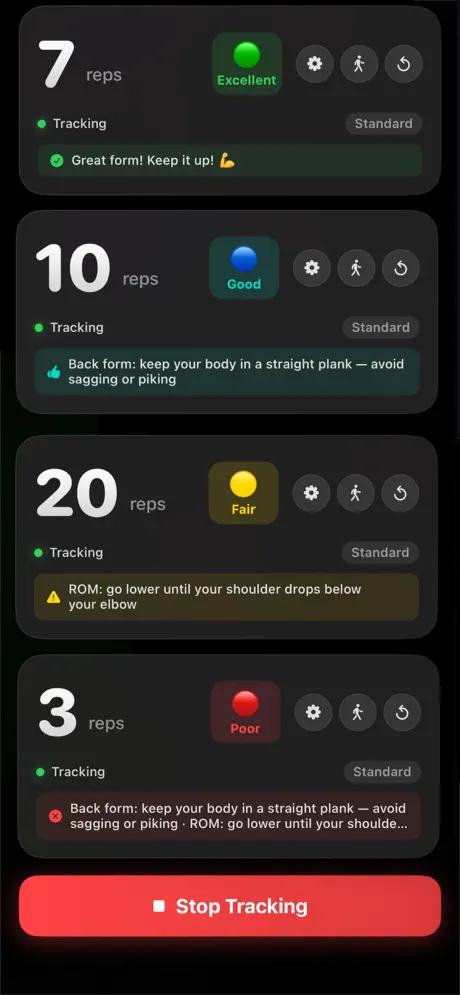
Prop your phone up where it can see you from the side, get into position and start. Each rep is counted automatically, and you get live feedback such as keeping your body in a straight line or going lower for full range of motion.
Features
- Automatic rep countingMotion detection counts each push-up.
- Form feedbackA rating for every set with specific cues on body line and depth.
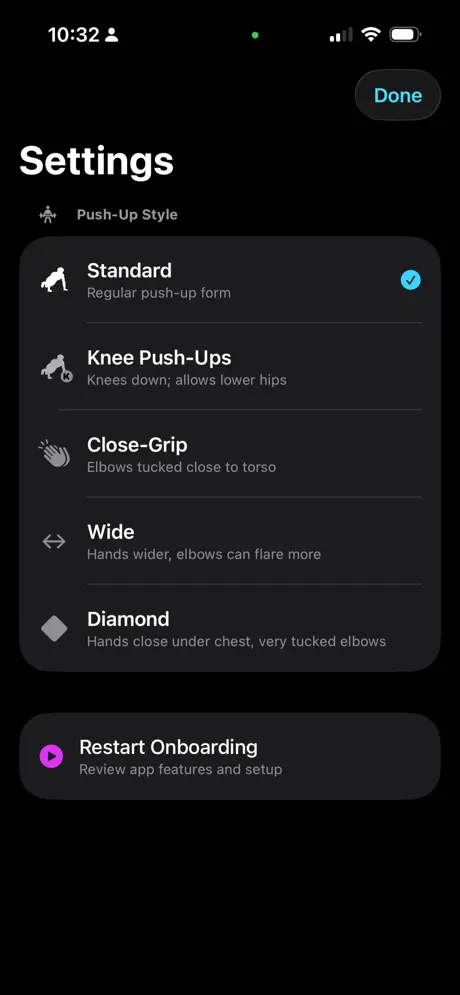
- Five push-up stylesStandard, knee, close-grip, wide and diamond push-ups.
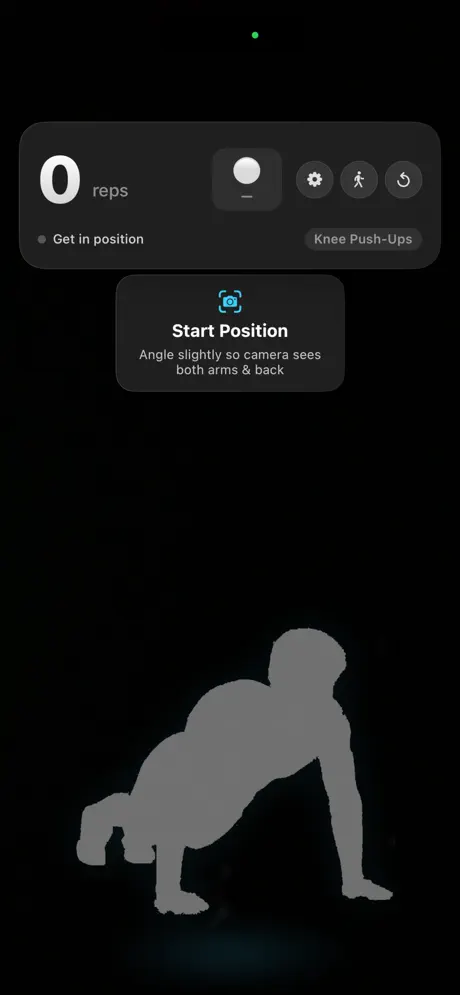
- Guided setupPositioning guidance shows where to place your phone.
Who it's for
Beginners building up to their first sets and experienced athletes who want honest reps and cleaner form.
Push-Ups: Form & Rep Tracker FAQ & support
Stand it up a few feet away, angled slightly so the camera sees your whole body from the side. The start screen shows when you're in position.
Standard, knee, close-grip, wide and diamond. Choose your style in Settings so the app counts and scores that movement.
Reps that don't reach enough depth may not count. Make sure your whole body is in frame and the room is well lit.
Yes, it's free to download on the App Store.
Purchases are handled by Apple. Go to reportaproblem.apple.com or your Apple ID purchase history, find the purchase and choose Report a Problem.
Still need help?
Email support@jimmyfatmasterson.com and include your device model, iOS version and what happened. We usually reply within 24–48 hours. See our Privacy Policy and Terms of Service.
 Vertical Indicator
 Routine Hub
 PlaneAboveMe
 Segmented Timer
 Penguin Poop
 CarInsight
 TrackSets
 myPill-Pal
 Prompt Meter
 SnapNSplit