About TrackSets
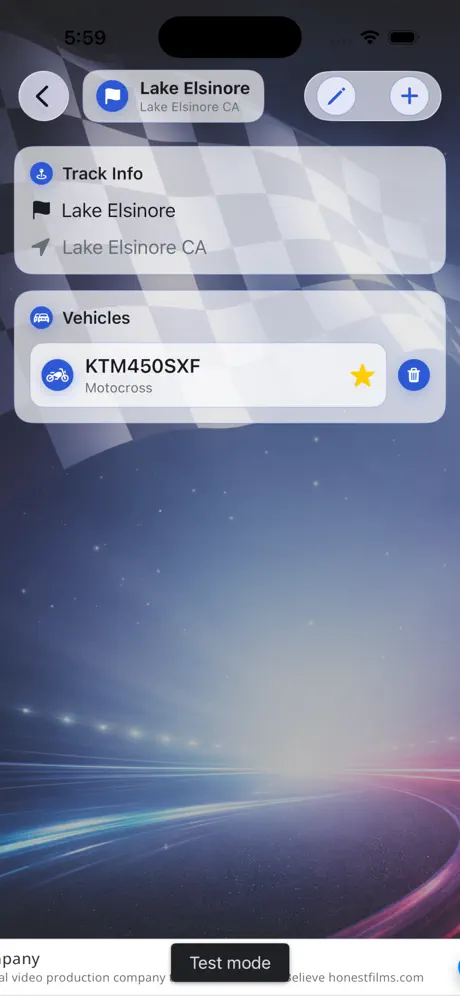
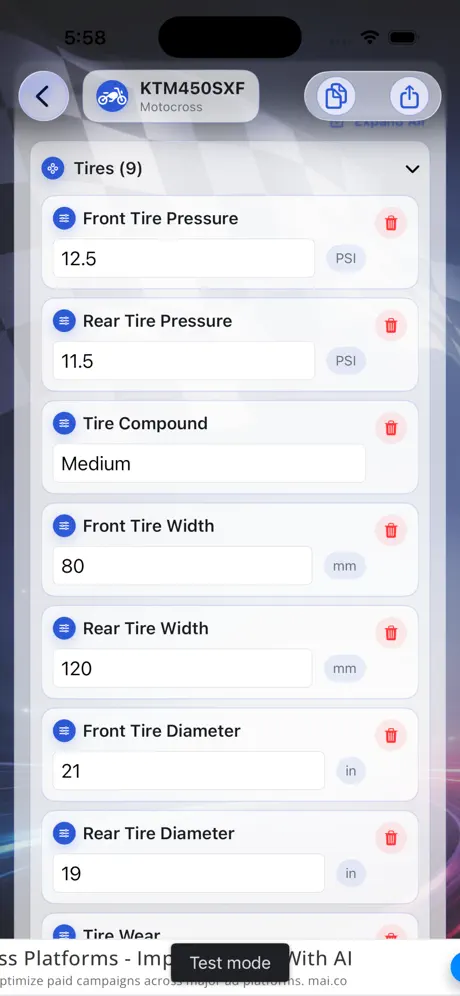
TrackSets is a setup notebook for racers. Save your settings for each track and each vehicle, including suspension, tire pressure, gearing, weather, track conditions and notes, so you're not starting from scratch every race day.
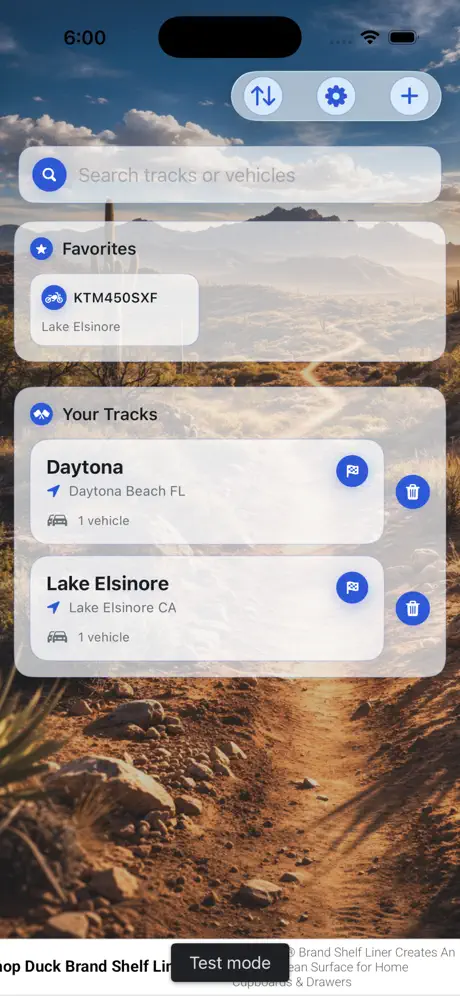
Organize setups by track, mark your favorites and compare what you ran last time before you head out.
Features
- Setups by track and vehicleKeep a separate record for every track and every machine you race.
- Detailed settingsTire pressure, compound, width and diameter, suspension, gearing, weather, conditions and free-form notes.
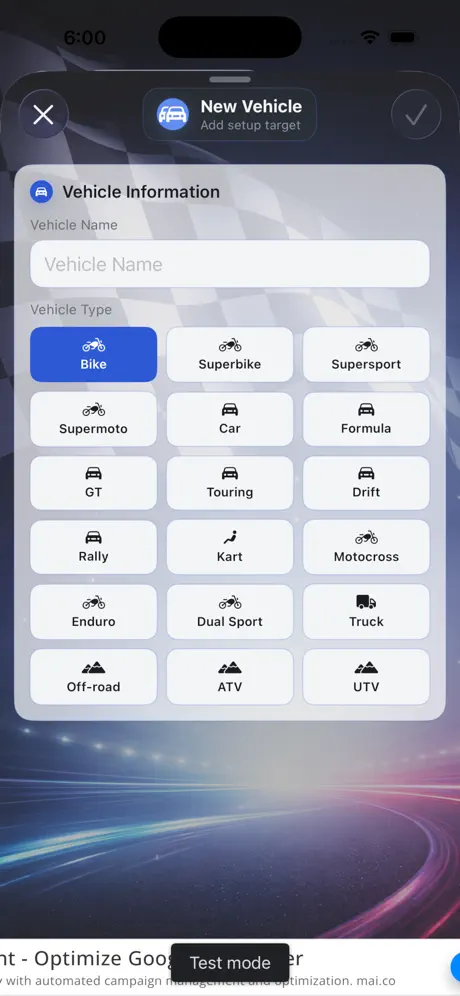
- Almost any vehicleBikes, superbikes, supermoto, motocross, enduro, dual sport, cars, GT, touring, formula, rally, drift, karts, trucks, off-road, ATVs and UTVs.
- Favorites and searchPin the tracks and vehicles you use most.
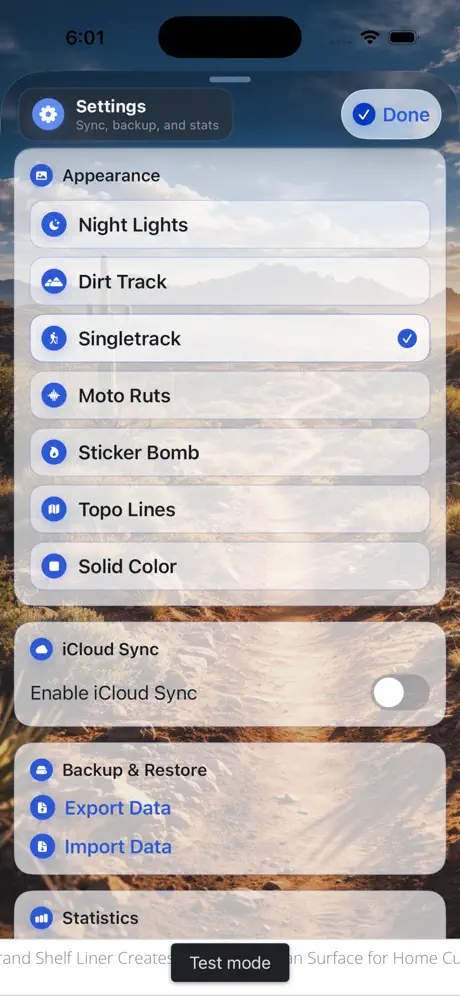
- Backup and syncOptional iCloud sync, plus export and import for backups.
Who it's for
Motocross and off-road riders, karters, track-day drivers and anyone who tunes their machine differently from one track to the next.
TrackSets FAQ & support
Yes. Add as many vehicles as you like and attach each one to the tracks where you race it.
Yes. Turn on iCloud Sync in Settings, or use Export Data to save a backup and Import Data to restore it.
Your setups are stored on your device, so you can view and edit them without a connection. iCloud sync catches up when you're back online.
Yes, it's free to download on the App Store.
Purchases are handled by Apple. Go to reportaproblem.apple.com or your Apple ID purchase history, find the purchase and choose Report a Problem.
Still need help?
Email support@jimmyfatmasterson.com and include your device model, iOS version and what happened. We usually reply within 24–48 hours. See our Privacy Policy and Terms of Service.
 Vertical Indicator
 Routine Hub
 PlaneAboveMe
 Push-Ups: Form & Rep Tracker
 Segmented Timer
 Penguin Poop
 CarInsight
 myPill-Pal
 Prompt Meter
 SnapNSplit